Add Android or iOS web apps to the Apps Library
Administrators can create and configure iOS and Android Web app shortcuts that can be assigned to devices and used in the same way as standard apps.
|
|
NOTE: Web apps are not yet supported for macOS. |

While it is possible to apply usage restrictions (block/allow) as well as kiosk mode to iOS Web apps; however, kiosk mode is not recommended at this time due to a third party bug that causes the app to appear as a blank screen. The only known fix is to uninstall then reinstall the profile.
To add Android or iOS web apps:
- Go to the Libraries tab.
- Click the Apps icon.
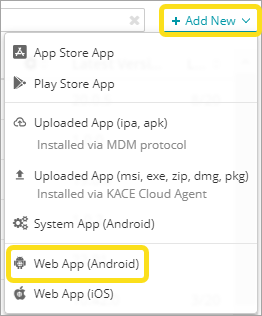
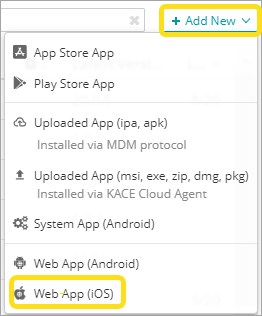
- Complete one of the following steps:
- Name the app, then provide its URL and icon.
- Configure display options, as applicable.
You can create and configure Web app shortcuts that can be assigned to devices and used in the same way as standard apps.
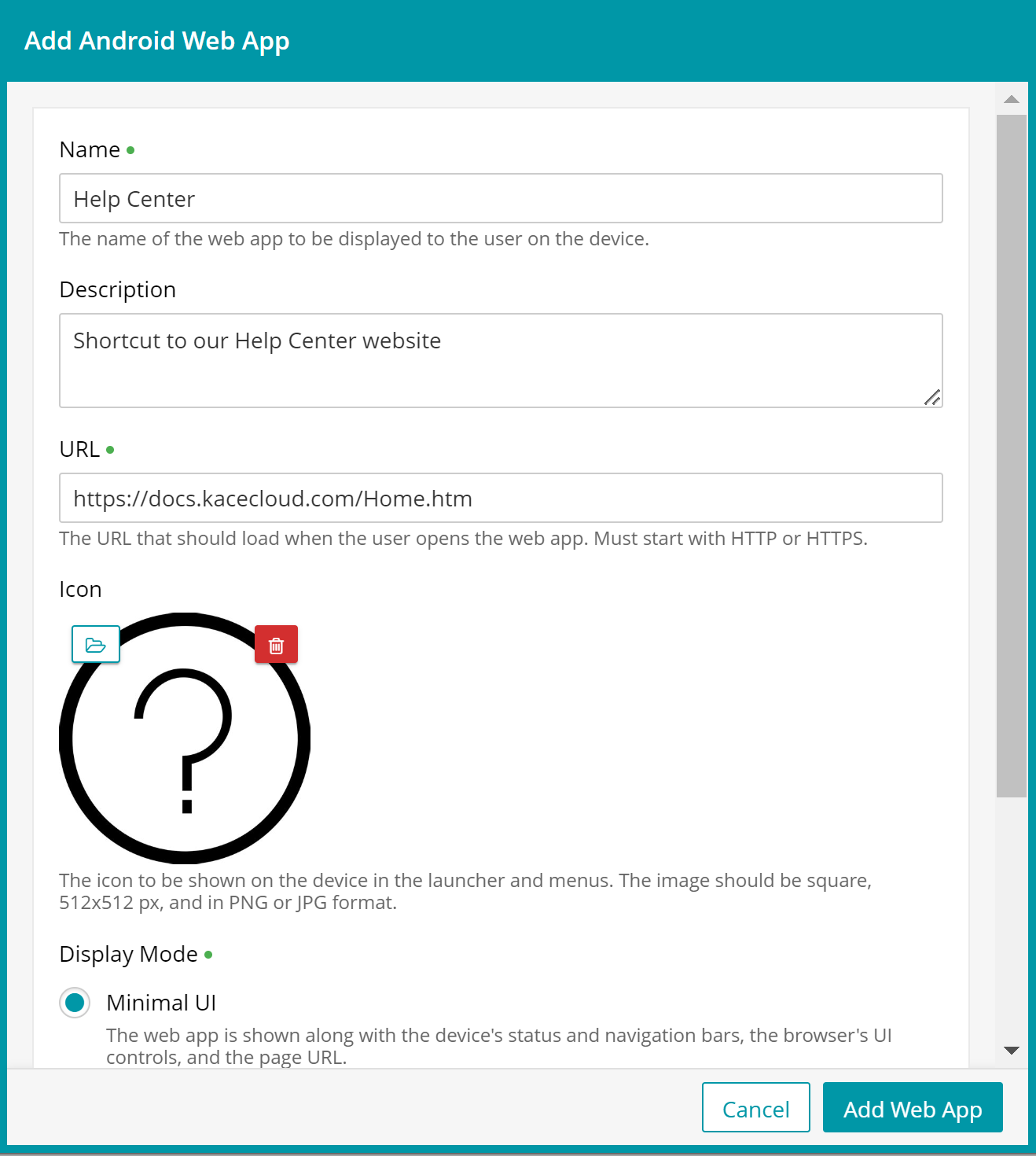
- Click Add Web App.